

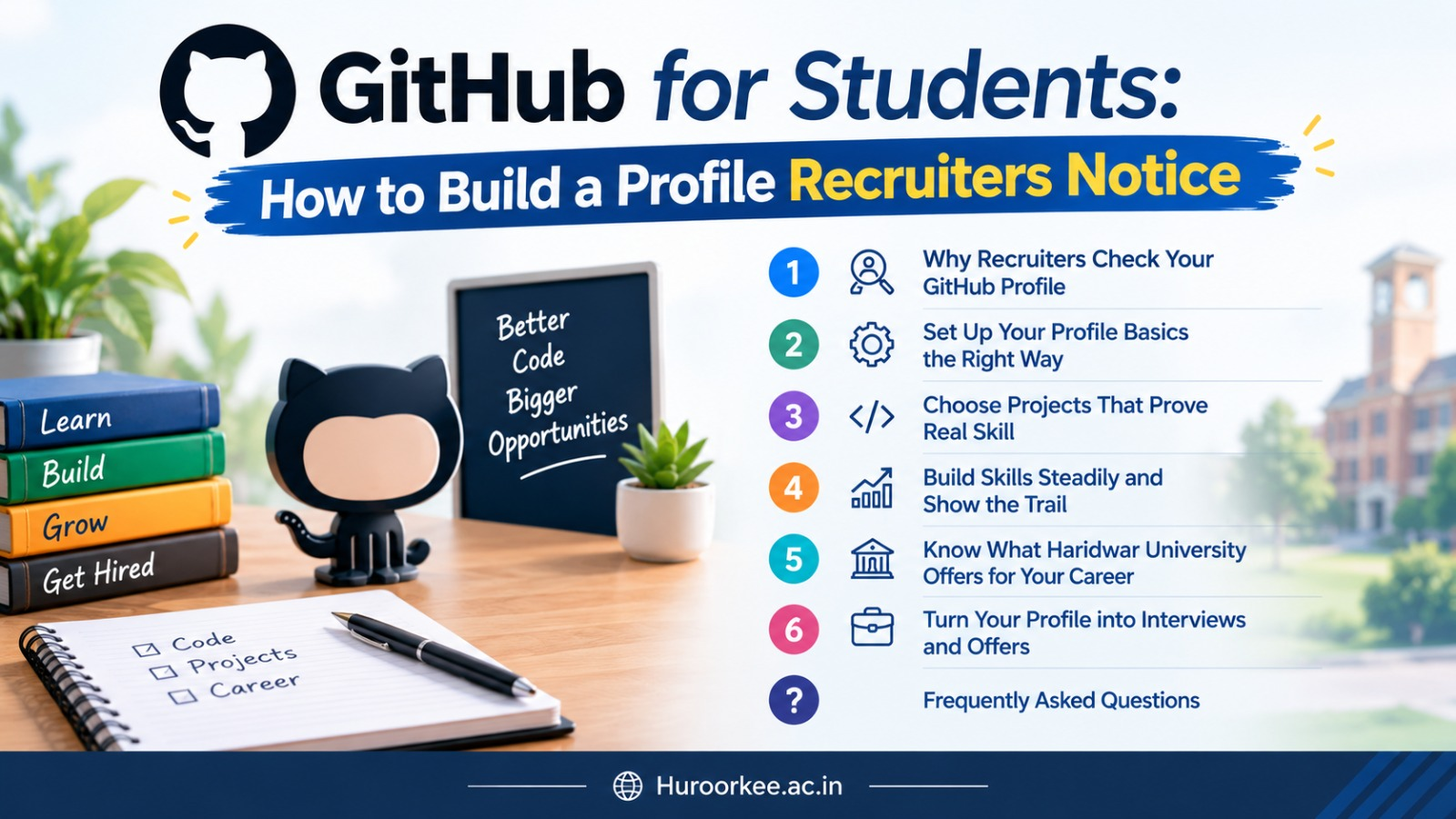
GitHub for Students: How to Build a Profile Recruiters Notice
Mr. Prajwal Chaudhary
Training & Placement Manager, Haridwar University
Guide Table of Contents
- Why Recruiters Check Your GitHub Profile
- Set Up Your Profile Basics the Right Way
- Choose Projects That Prove Real Skill
- Build Skills Steadily and Show the Trail
- Know What Haridwar University Offers for Your Career (Fees & Scholarships)
- Turn Your Profile into Interviews and Offers (30-Day Plan)
- Frequently Asked Questions (FAQs)
Most college students open a GitHub account, upload a couple of first-year programming assignments, and never visit the platform again.
Meanwhile, a technical recruiter screening hundreds of candidate applications dedicates mere seconds to each submission. A sharp, well-maintained profile is frequently the deciding factor that earns your CV a deeper technical review.
This comprehensive guide explains How to Build a Profile that Recruiters Notice, one practical step at a time, utilising tools every student can access for free. You do not need a world-famous open-source repository or thousands of stars. What you need is a portfolio presentation that is clear, authentic, and easy to navigate.
Students across the five constituent colleges of Haridwar University—established in 2010 on a sprawling 20-acre green campus along the Ganga Canal in Roorkee—consistently ask our placement team: Where do I even begin? The answer is straightforward: start small, maintain steady consistency, and let verified code speak for you.
Why Recruiters Check Your GitHub Profile
What Recruiters Actually Look For
A resume tells an employer what you claim to know. A GitHub profile demonstrates what you have actually engineered. Technical recruiters and hiring managers skim for three fundamental signals:
1. Clean, Readable Code
Modular file structures, consistent naming conventions, sensible comments, and sensible error handling.
2. Problem-Solving Utility
Projects addressing real bottlenecks—such as campus management, local clinics, or automation scripts—rather than boilerplate clones.
3. Steady Learning Trajectory
Commit histories that document ongoing improvements, refactoring, and evolution over academic semesters.
A polished profile does not replace a strong technical resume; rather, it provides undeniable proof backing up every bullet point on your CV.
Where GitHub Fits in Your Career Strategy
Think of GitHub as your verifiable digital portfolio within a broader career campaign. Through the National Career Service (NCS) portal operated by the Ministry of Labour and Employment, students can access both private corporate drives and public sector opportunities.
Whichever application path you take, embed your GitHub profile link prominently in your resume header, LinkedIn bio, and email signature so evaluators can inspect your code with one click.
Set Up Your Profile Basics the Right Way
Username, Photo, and Bio
Select a professional username based on your legal name (e.g., firstname-lastname or firstnamel). Avoid playful gaming handles or random strings that look unprofessional on a corporate resume.
- Photo: A well-lit, friendly headshot against a clean background.
- Location & University: Specify "Roorkee, India | Haridwar University".
- One-Line Bio: State your degree programme, core language, and current technical focus (e.g., "B.Tech CSE @ Haridwar University | Full-Stack & Python | Building production REST APIs").
Write a Profile README
GitHub displays a featured README at the very top of your profile when you create a public repository whose name matches your exact username, as outlined in the official GitHub README documentation.
Structure your profile README as an executive summary: who you are, what problems you enjoy solving, the tools you actively practice, and direct contact details. Keep it concise—one screen maximum. Avoid cluttering the view with dozens of generic skill badges that make reading difficult.
💡 Mentorship Feedback: Before publishing your profile, have a senior or faculty mentor review your layout through an employer's eyes. Students seeking campus guidance can start at the Student Corner at Haridwar University, and review drafts with our placement coordinators.
Choose Projects That Prove Real Skill
Quality Over Quantity: Pin Up to Six Repositories
Five well-documented repositories beat thirty half-baked clones every day of the week. GitHub allows you to pin up to six repositories to the top of your profile (verified per GitHub Docs on 30 September 2026).
Treat those six slots like prime real estate. Curate a balanced portfolio mix:
- One full-stack web or mobile application with responsive UI and authenticated backend APIs.
- One automation, ETL data pipeline, or machine learning workflow with reproducible test scripts.
- One collaborative team capstone where your personal branch contributions and module ownership are clearly documented.
Project Ideas Across Diverse Academic Streams
Microservices, intelligent chatbots, campus portals, or RESTful API systems.
IoT firmware, MATLAB/Simulink models, circuit designs, or robotics sensor feeds.
Financial forecasting spreadsheets, Python data analytics, or e-commerce studies.
Cleaned clinical research datasets, farm soil telemetry, or pharmacological analyses.
Write Repository READMEs That Actually Explain
Hiring managers rarely clone repositories to execute your code locally; they read your project README. Every pinned repo must feature: a one-sentence problem statement, architecture diagram, UI screenshot or GIF demo, setup instructions, tech stack justification, and key engineering trade-offs.
Build Skills Steadily and Show the Trail
Commit Small and Often
Consistency beats sporadic sprints every time. Pushing two or three clean commits each week with clear messages (such as feat(auth): add JWT expiration handling rather than update files) demonstrates disciplined software development hygiene.
Pair National Online Learning with Code
The government's SWAYAM platform, operated under the Ministry of Education, offers free university-level courses across engineering, science, and management. Pair theoretical learning with immediate hands-on practice: complete a module, code a working prototype, and publish your progress to GitHub.
Accelerate Employability With Value Added Programs
Haridwar University conducts intensive Value Added Programs (VAPs) taught alongside standard curricula by faculty and corporate partners to build direct workplace readiness.
Know What Haridwar University Offers for Your Career
Approvals, Recognitions, and Placement Credentials
As detailed on the admission overview page, Haridwar University is AICTE Approved and UGC Recognized, with approvals cross-verifiable via the All India Council for Technical Education (AICTE).
On its official website (huroorkee.ac.in), the university reports rankings of #92 in Best Universities of India (2025) and #37 in Top Placement Universities (2024) from Times of India ranking surveys. These provide valuable perspective alongside curriculum rigor and campus placement records when selecting higher education institutions.
Verified First-Year Fee Structure (2026-27)
Per the official fees and scholarships schedule for 2026-27, first-year totals for key programmes include:
| Academic Programme | First-Year Total Fee | Includes |
|---|---|---|
| B.Tech. Hons. Computer Science & Engineering | ₹1,32,000 | Tuition, enrollment, admission, exam & uniform fees |
| B.Tech. Hons. Artificial Intelligence & Machine Learning | ₹1,62,000 | Tuition, enrollment, admission, exam & uniform fees |
| Bachelor of Computer Applications (BCA) | ₹82,000 | Tuition, enrollment, admission, exam & uniform fees |
Note: Campus transport is charged separately. Seat confirmation requires a standard ₹25,000 deposit.
Scholarship Concessions & Academic Honors
Dedicated first-year tuition concession for female candidates across all courses.
Tiered waivers linked to JEE ranks, Class 12 marks (e.g., 50% for 80-90%), or CUET scores.
Concessions for state and national sporting achievers, plus ₹5,000 semester awards for 85%+ scores.
Turn Your Profile into Interviews and Offers
The 30-Day Profile Sprint
Set professional username, clear headshot, one-line bio, and profile README.
Delete empty forks, archive old homework, and select your top 3 to 6 projects to pin.
Add architecture flowcharts, GIF demos, setup steps, and tech stack justifications.
Embed your profile URL into your resume, LinkedIn profile, and job application letters.
Security Hygiene: Keep It Recruiter-Safe
Never commit sensitive credentials: API keys, database connection strings, passwords, or personal identifying data. Use .gitignore files and environment variable files (.env.example). One careless leak can disqualify an otherwise impressive technical candidate.
Explore programmes, eligibility criteria, and campus facilities across our academic courses.
Frequently Asked Questions (FAQs)
1. Do I need to study computer science to use GitHub?
No. Any student can use GitHub to store and present work, whether it is code, data, documents or design files. What matters is that the work is organised and explained.
2. How many projects should I pin?
GitHub allows up to six pinned items (repositories and gists combined; checked 30 September 2026). Three to six strong, well-described projects are enough to show range without overwhelming a recruiter.
3. Is a profile README compulsory?
It is optional, but very useful. It appears at the top of your profile when a public repository shares your exact username, giving visitors a quick introduction.
4. How often should I commit code?
Aim for steady activity rather than a big burst. If you are wondering How to Build a Profile that Recruiters Notice, regular, meaningful commits with clear messages say more than a green wall of empty updates.
5. Can I show group projects?
Yes. Mention your role in the README and link to the specific parts you built, so a recruiter can see what you personally contributed.
6. What should I never upload?
Passwords, API keys, personal identity documents and private data belonging to others. Review every file before you push it.
7. Where can I learn new skills for free?
The government’s SWAYAM platform offers free online courses, and the National Career Service portal lists career resources. Use both alongside your classroom learning.
8. What is the first-year fee for B.Tech. Hons. CSE at HU?
The 2026-27 fee structure lists ₹1,32,000 as the first-year total. Seat confirmation requires a deposit of ₹25,000, as stated on the admission overview page.
9. Are scholarships available at HU?
Yes. Options include 25% for girls’ education and merit awards based on JEE rank, Class 12 marks, CUET percentile or sports level, all on first-year tuition. Only one scholarship can be availed.
Launch Your Career With Haridwar University Placements
Experience dedicated training and placement mentorship, top recruiter visits, hands-on software development labs, and verified career support in Roorkee.