

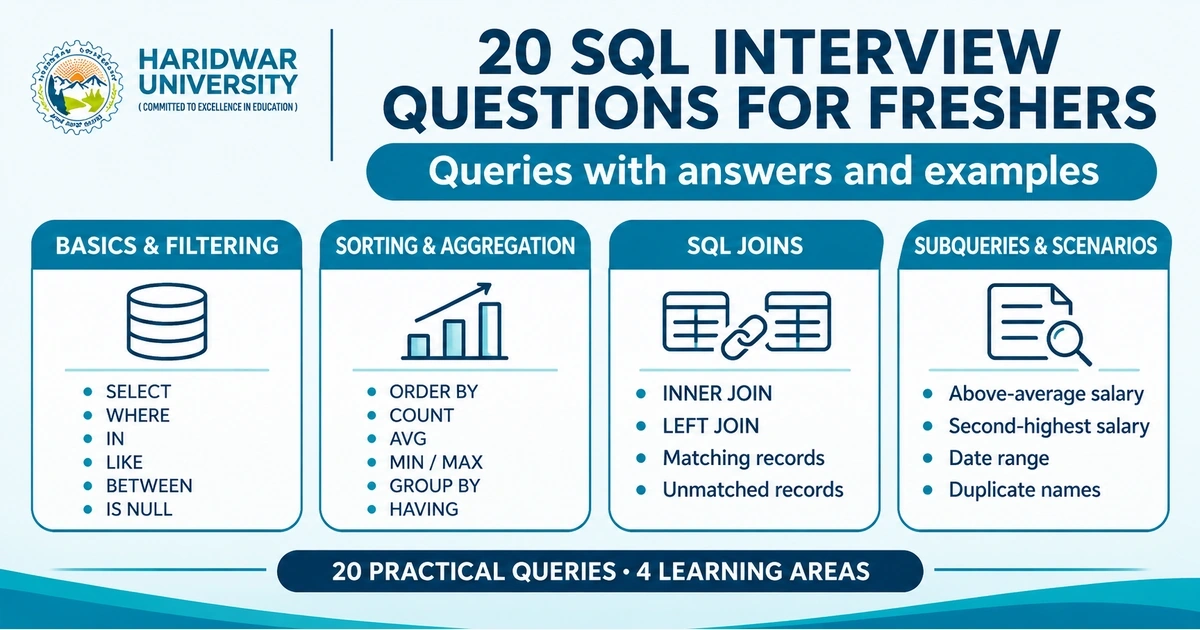
20 SQL Interview Questions for Freshers: Queries with Answers and Examples
Dr. Himanshu Verma
Associate Professor & HOD, Computer Science & Engineering, Haridwar University
SQL is one of the most practical skills a computer science fresher can bring to a technical interview. Whether the role involves software development, database management or data analysis, interviewers may ask candidates to retrieve records, filter results, combine tables or calculate summaries using SQL.
I advise students to learn SQL by writing queries rather than memorising command definitions. Knowing what SELECT, JOIN or GROUP BY means is useful, but an interview tests whether you can apply these commands to a problem and explain why your query returns the expected result.
This guide covers 20 SQL interview questions for freshers, progressing from basic queries to joins, grouping, subqueries and practical scenarios. Each question includes a query and a short explanation to help you understand the reasoning.
Table of Contents
1. SQL Basics and Filtering Queries
Before attempting complex SQL interview questions, become comfortable retrieving and filtering records. The following examples use an employees table with these columns: employee_id, employee_name, department_id, salary, city and joining_date.
1. How do you retrieve all records from a table?
SELECT *
FROM employees;
The SELECT statement retrieves data, while * requests all columns. In practical applications, selecting only the required columns is often preferable because it makes queries easier to read and avoids retrieving unnecessary data.
2. How do you display only employee names and salaries?
SELECT employee_name, salary
FROM employees;
Specify the required column names after SELECT. This is useful when a report needs only a small part of a table.
3. How do you find employees earning more than ₹40,000?
SELECT employee_name, salary
FROM employees
WHERE salary > 40000;
WHERE filters individual rows before they appear in the result. You can also use operators such as =, <>, >=, <= and BETWEEN.
4. How do you find employees from a particular city?
SELECT *
FROM employees
WHERE city = 'Roorkee';
Text values are enclosed in single quotes. For multiple possible cities, use IN:
SELECT *
FROM employees
WHERE city IN ('Roorkee', 'Delhi', 'Dehradun');
5. How do you find employees whose names begin with the letter A?
SELECT *
FROM employees
WHERE employee_name LIKE 'A%';
LIKE supports pattern matching. % represents any sequence of characters, while _ represents a single character. Case sensitivity can depend on the database system and its collation.
6. How do you find employees whose salary is between ₹30,000 and ₹50,000?
SELECT employee_name, salary
FROM employees
WHERE salary BETWEEN 30000 AND 50000;
BETWEEN includes both boundary values. This query therefore includes employees earning exactly ₹30,000 or ₹50,000.
7. How do you identify employees whose city value is missing?
SELECT *
FROM employees
WHERE city IS NULL;
Use IS NULL to find missing values. Writing city = NULL will not correctly test for SQL NULL values because NULL represents an unknown or missing value, not an ordinary value.
2. Sorting, Aggregation and Grouping
These SQL interview questions test whether you can organise records and summarise information. They are especially useful for reporting and data-analysis tasks.
8. How do you arrange employees by salary from highest to lowest?
SELECT employee_name, salary
FROM employees
ORDER BY salary DESC;
ORDER BY sorts the result. Use DESC for descending order and ASC for ascending order. If no direction is specified, ascending order is generally used.
9. How do you find the total number of employees?
SELECT COUNT(*) AS total_employees
FROM employees;
COUNT(*) counts rows. By contrast, COUNT(city) counts only rows where the city value is not NULL. This distinction matters when working with incomplete records.
10. How do you calculate the average employee salary?
SELECT AVG(salary) AS average_salary
FROM employees;
AVG() calculates the average of non-NULL values in the selected column. Other commonly used aggregate functions include SUM(), MIN() and MAX().
11. How do you find the highest and lowest salaries?
SELECT
    MAX(salary) AS highest_salary,
    MIN(salary) AS lowest_salary
FROM employees;
MAX() and MIN() return the largest and smallest non-NULL values respectively. These functions are useful for quick summaries of numerical data.
12. How do you count employees in each department?
SELECT department_id, COUNT(*) AS employee_count
FROM employees
GROUP BY department_id;
GROUP BY combines rows with the same department ID into groups. The aggregate function then calculates a count for each group.
13. How do you find departments with more than five employees?
SELECT department_id, COUNT(*) AS employee_count
FROM employees
GROUP BY department_id
HAVING COUNT(*) > 5;
This question tests the difference between WHERE and HAVING. WHERE filters individual rows before grouping; HAVING filters the groups created by GROUP BY.
3. SQL Joins and Multiple Tables
Real databases usually store related information in separate tables. A candidate should know how to combine those records without creating incorrect results. Assume a second table named departments contains department_id and department_name.
14. How do you display employees with their department names?
SELECT e.employee_name, d.department_name
FROM employees e
INNER JOIN departments d
    ON e.department_id = d.department_id;
An INNER JOIN returns rows where the join condition matches in both tables. The aliases e and d make the query shorter and easier to follow.
15. How do you display all employees, including those without a matching department?
SELECT e.employee_name, d.department_name
FROM employees e
LEFT JOIN departments d
    ON e.department_id = d.department_id;
A LEFT JOIN keeps every row from the left table. If an employee has no matching department, the department columns appear as NULL.
16. How do you find departments that have no employees?
SELECT d.department_id, d.department_name
FROM departments d
LEFT JOIN employees e
    ON d.department_id = e.department_id
WHERE e.employee_id IS NULL;
The query retains all departments, then selects those for which no matching employee was found. This is a common pattern for identifying unmatched records.
4. Subqueries and Scenario-Based SQL Problems
Subqueries allow one query to use the result of another. They are useful when a problem requires comparison against an average, maximum or result set.
17. How do you find employees earning more than the average salary?
SELECT employee_name, salary
FROM employees
WHERE salary > (
    SELECT AVG(salary)
    FROM employees
);
The inner query calculates the average salary. The outer query returns employees whose salaries exceed that value.
18. How do you find the second-highest distinct salary?
SELECT MAX(salary) AS second_highest_salary
FROM employees
WHERE salary < (
    SELECT MAX(salary)
    FROM employees
);
The inner query finds the highest salary. The outer query then finds the maximum salary below it. Because the comparison excludes the highest value, duplicate records with the same top salary do not become the second-highest result.
19. How do you find employees who joined during 2025?
SELECT employee_name, joining_date
FROM employees
WHERE joining_date >= '2025-01-01'
  AND joining_date < '2026-01-01';
This range includes dates from the start of 2025 up to, but not including, 1 January 2026. It is a useful approach when a date column also stores time values.
20. How do you find duplicate employee names?
SELECT employee_name, COUNT(*) AS name_count
FROM employees
GROUP BY employee_name
HAVING COUNT(*) > 1;
The query groups identical names and returns only those appearing more than once. In a real database, duplicate names do not necessarily mean duplicate employees; a unique employee ID should be used to identify individual records.
5. Frequently Asked Questions (FAQs)
1. Which SQL queries should freshers learn first?
Start with SELECT, WHERE, ORDER BY, DISTINCT, LIKE, BETWEEN, aggregate functions, GROUP BY, HAVING and basic joins. Then practise subqueries and scenario-based problems.
2. Are SQL interview questions important for data analyst roles?
SQL is particularly useful in data analyst roles because candidates may need to retrieve, filter, combine and summarise data. The depth required depends on the employer and position.
3. What is the difference between WHERE and HAVING?
WHERE filters individual rows before grouping. HAVING filters groups after GROUP BY has been applied. This distinction is important when filtering aggregate results such as department-wise employee counts.
4. What is the difference between INNER JOIN and LEFT JOIN?
INNER JOIN returns matching records from both tables. LEFT JOIN returns all records from the left table and matching records from the right table, with NULL values where no match exists.
5. Is SQL the same in MySQL, PostgreSQL and SQL Server?
The core SQL concepts are shared, but syntax and supported features differ across database systems. For example, functions for date handling, string operations and limiting result rows may vary.
6. How can I practise SQL queries for interviews?
Use small datasets and solve problems without looking at the answer first. Check the output, test NULL values and duplicate records, and explain why the query works. Interactive resources such as SQLBolt's SQL lessons and exercises can help reinforce these concepts.
7. How many SQL questions should a fresher practise before an interview?
There is no fixed number that guarantees interview readiness. Focus on understanding the logic behind common query patterns and solving variations independently rather than memorising a large question bank.
6. Building Confidence with SQL Practice
In my experience, students make better progress when they treat SQL as a practical problem-solving skill. Read a requirement, identify the relevant table and columns, write the query, and check the result. Then change the conditions and see how the output changes.
SQL preparation should also sit alongside DBMS fundamentals and programming practice. Students following HU's semester-wise DSA roadmap for placements can include joins, aggregations and subqueries in their technical preparation. Those developing academic projects can also explore CSE and AI/ML final-year project ideas, where database design and query skills can support practical applications.
For students building their computer science foundation, the B.Tech Hons. CSE programme at Haridwar University provides a relevant academic pathway.
My recommendation is simple: do not stop after reading these 20 SQL interview questions. Write every query yourself, test it with different records and explain the result in plain language. That is how SQL knowledge becomes useful in an interview and, more importantly, in actual software and data work.
Build Strong Database & Engineering Skills at Haridwar University
Explore B.Tech Hons. CSE, dedicated Training & Placement support, and merit scholarships up to 80% for the 2027-28 academic session.